Best AI Powered Chatbot Platforms in 2026: Tested & Ranked
10 platforms compared. Real pricing. Honest pros & cons. Pick the right one fast.
AI chatbots have changed the way businesses and people get things done. Whether you want to answer customer questions automatically, write better content, do faster research, or just have a smart assistant by your side. The good news is there is now an AI powered chatbot platform for every single use case.
The problem? There are dozens of options and it is hard to know which one is actually worth using. Many are overhyped, overpriced, or just not as smart as they claim.
We tested and compared the 10 best AI powered chatbot platforms in 2026. We looked at the AI models being used (we tell you the actual model, not marketing names), real pricing with no hidden fees, how easy they are to set up, what integrations they support, and what each one is genuinely best at.
⚡ Quick Picks: Best AI Chatbot Platforms in 2026
AI Powered Chatbot Platform Comparison (2026)
Here is a quick side-by-side look at all 10 platforms. Use this table to narrow down your options before reading the full reviews below.
| Platform | Best For | Starting Price | Free Plan? | AI Model |
|---|---|---|---|---|
| ChatGPT | General use, writing, coding | $20/month (Plus) | Yes | GPT-4o / GPT-5 |
| Claude | Writing, analysis, long documents | $20/month (Pro) | Yes | Claude Sonnet 4.6 |
| Google Gemini | Google Workspace users | $19.99/month (AI Pro) | Yes | Gemini 2.5 Pro |
| Microsoft Copilot | Microsoft 365 users | $30/user/month | Yes (basic) | GPT-4 Turbo |
| Zendesk AI | Customer service automation | $55/agent/month | 14-day trial | Proprietary |
| Botpress | Building custom chatbots | Free / from $89/month | Yes | GPT-4o + latest LLMs |
| Tidio | Small business live chat + AI | $29/month (Starter) | Yes | Lyro AI (proprietary) |
| Intercom | SaaS and tech company support | $39/seat/month | 14-day trial | Fin AI (GPT-4 powered) |
| Perplexity | Research and fact-checking | $20/month (Pro) | Yes | GPT-4o, Claude, Sonar |
| Meta AI | Free everyday use, WhatsApp | Completely Free | Always Free | Llama 4 |
How We Picked and Tested These Platforms
We did not just read spec sheets and copy marketing claims. Here is what we actually checked for each platform:
- AI model quality: Which model is actually powering it in 2026? GPT-5, Claude Sonnet 4.6, Gemini 2.5 Pro. We name the exact model, not vague “advanced AI” language.
- Ease of use: Can a non-technical person set it up within an hour and get good results from day one?
- Pricing transparency: Is the pricing clear and honest? We flag hidden costs and per-seat traps.
- Integration depth: Does it connect with tools people actually use like Slack, Gmail, Shopify, and Salesforce?
- Real use case fit: Is it genuinely better than alternatives for its claimed purpose? We test with real questions.
- User reviews: What do actual users say on G2 and Trustpilot? Not just the positive ones.
The 10 Best AI Powered Chatbot Platforms in 2026
ChatGPT: Best Overall AI Chatbot Platform
By OpenAI • The most versatile AI chatbot on the market
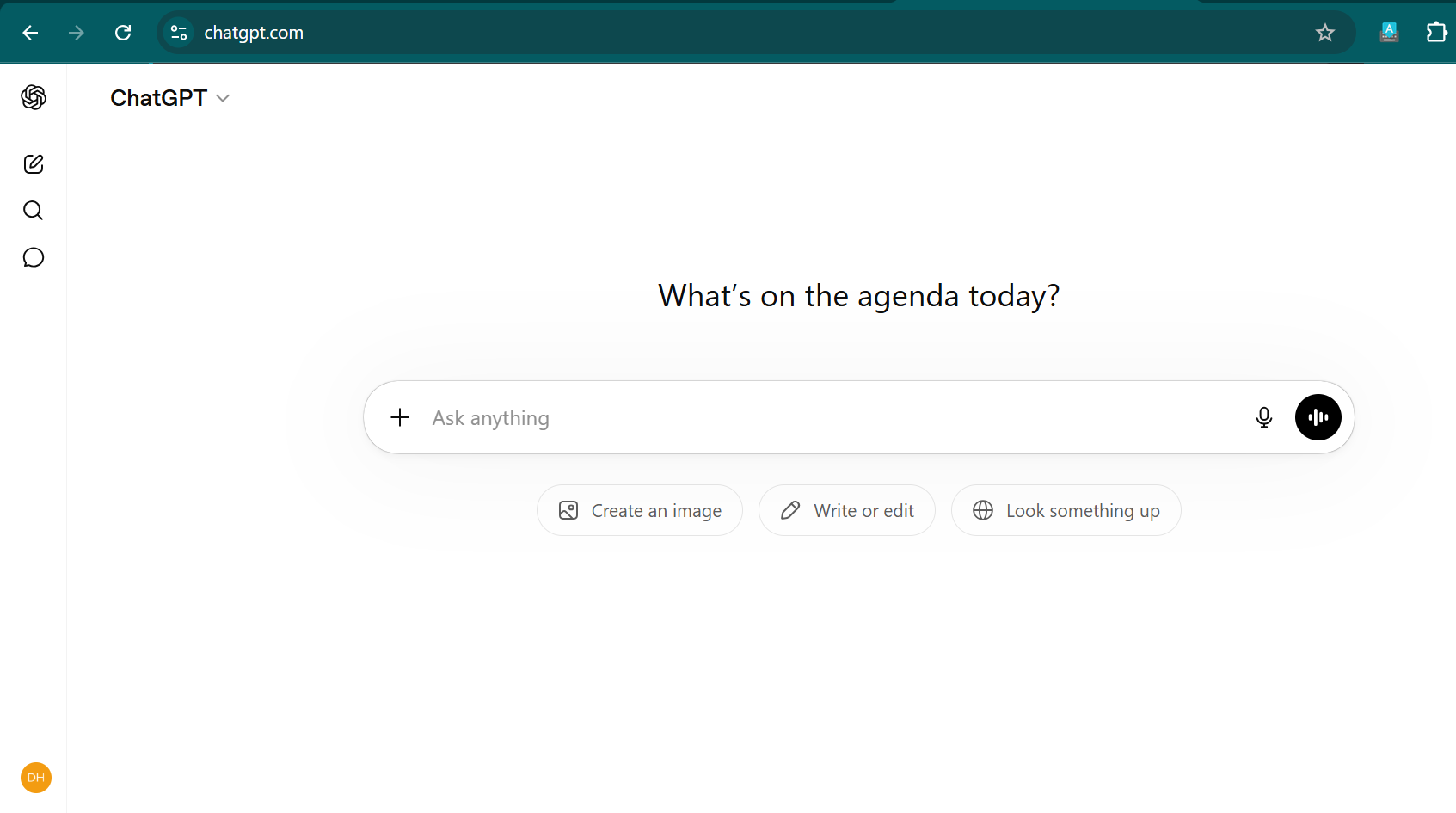
ChatGPT is the platform that made AI chatbots mainstream and it is still the best all-around option in 2026. As of May 2026, free users get GPT-4o (fast and capable for everyday tasks), while Plus subscribers ($20/month) get GPT-5 (OpenAI’s most powerful model) with higher usage limits. The Pro plan at $200/month unlocks full, unlimited GPT-5 access.
With over 900 million weekly active users, ChatGPT handles almost anything: write an email, debug code, plan a trip, do deep research, summarize a document, or generate images with DALL-E 3. The paid plan adds a Deep Research mode that runs for up to 20 minutes and produces thoroughly sourced reports, plus an Agent mode where it can browse the web and take actions for you.
For businesses, custom GPTs let you build specialized assistants trained on your own content and data, with no coding required. The API is the most widely integrated in the AI world, connecting with Zapier, Slack, Salesforce, HubSpot, and thousands of other tools.
Pros
- Best-in-class AI (GPT-5 on paid plans)
- Handles almost any task imaginable
- Web search with cited answers
- Image generation (DALL-E 3) built in
- Voice mode for hands-free use
- Custom GPTs for specialized use cases
Cons
- Free plan has usage limits that kick in fast
- Sometimes gives wrong answers confidently
- Pro plan ($200/month) is very expensive
Our take: ChatGPT Plus at $20/month is the best value in AI chatbots for individuals and small businesses. Start with the free plan and upgrade when you hit the usage limits.
Claude: Best AI for Writing and Analysis
By Anthropic • The most intelligent writing and reading AI available
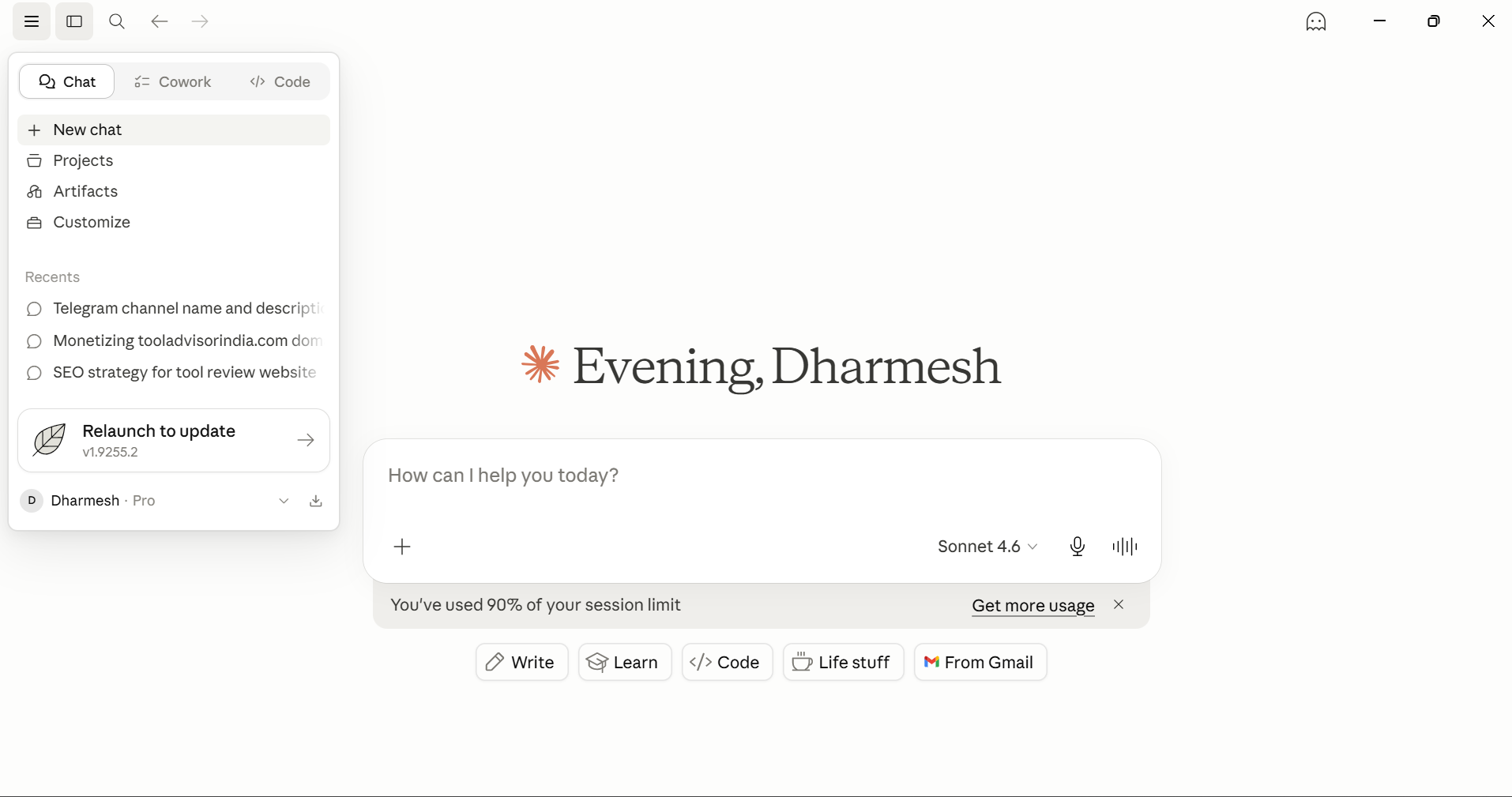
If ChatGPT is the all-rounder, Claude is the specialist. Made by Anthropic, Claude is widely considered the best AI chatbot for reading, writing, and analysing long documents. The Pro plan ($20/month) runs on Claude Sonnet 4.6, while the Max plan ($100/month) unlocks Claude Opus 4.6, which is the most powerful reasoning model Anthropic has built.
What makes Claude stand out is how it handles large amounts of text. You can feed it an entire research paper, a 200-page contract, or thousands of lines of code and it understands and responds accurately. Its writing quality sounds genuinely human, not robotic or formulaic like many AI tools. Ask Claude to review your writing and it gives real, honest feedback instead of just saying everything looks great.
Claude also has strong coding capabilities. Its Artifacts feature can build interactive web apps, dashboards, and tools that you can use directly in the chat window. The API supports MCP (Model Context Protocol), which lets Claude pull live data from your connected business apps and take action in them.
Pros
- Best writing quality of any AI chatbot in 2026
- Massive context window (200k+ tokens)
- Honest and constructive: tells you what’s wrong
- Strong coding with interactive Artifacts
- Built on Constitutional AI (safer by design)
Cons
- No image generation built in
- Usage limits apply on all plans
- Web browsing limited on free plan
Our take: Claude Pro is the best $20/month investment if you do a lot of writing, editing, or need to analyse long documents. Writers, marketers, lawyers, and analysts will love it.
Google Gemini: Best for Google Users
By Google • Plugs directly into Gmail, Drive, Docs, and Calendar
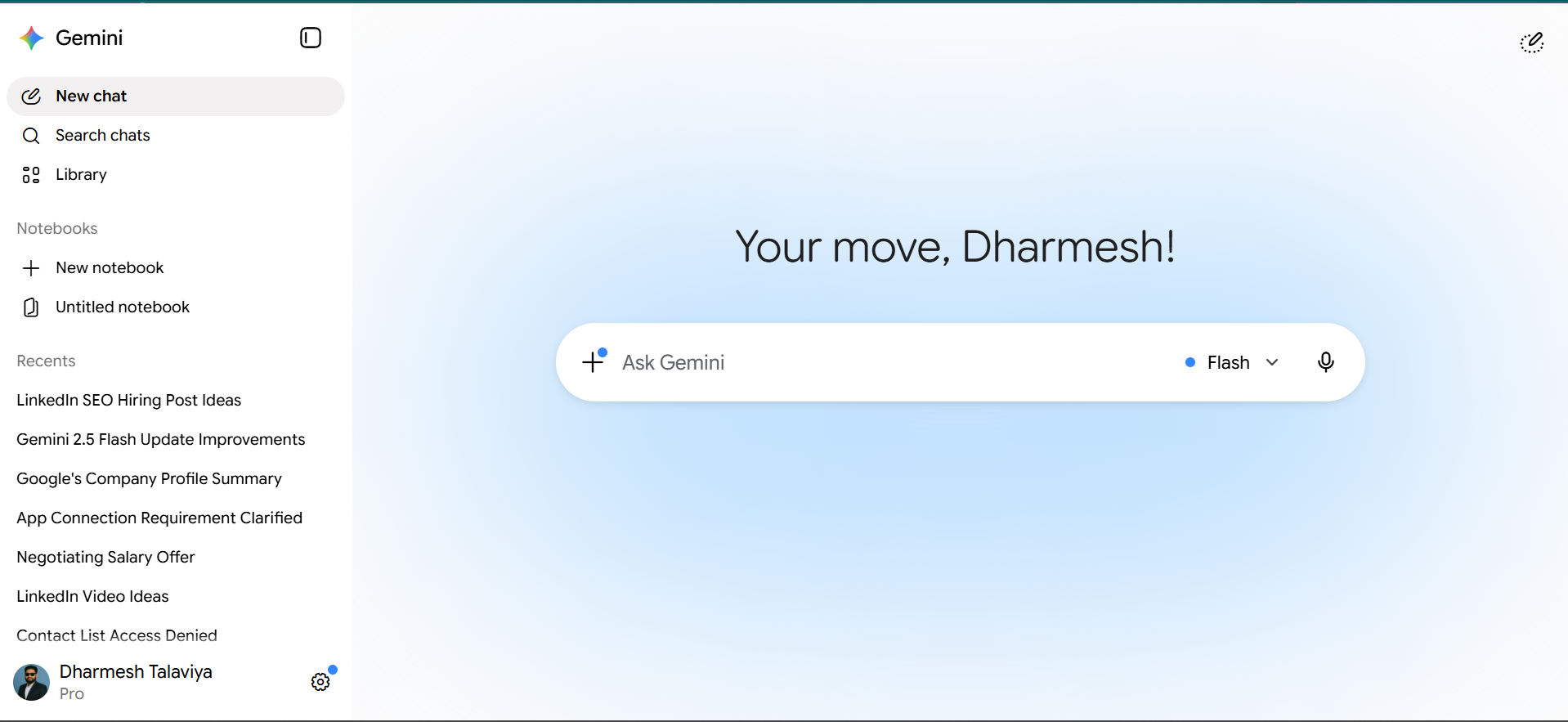
If you spend most of your working day in Gmail, Google Docs, Drive, or Google Calendar, Gemini is the most naturally useful AI chatbot you can get. The AI Pro plan at $19.99/month gives you Gemini 2.5 Pro, Google’s most powerful model, connected directly to your entire Google Workspace.
You can ask Gemini to search your emails for a specific thread, draft a reply based on your previous email style, summarize a long Google Doc, or find events in your calendar, all without leaving your apps. Gemini also understands multimodal inputs: show it screenshots, charts, or photos and it analyses them accurately.
The paid plan also includes Gemini’s Canvas feature which can build functional, AI-powered web apps from a text prompt. It runs on the Gemini API under the hood with no technical setup required from you. This is something no other consumer chatbot currently offers.
Pros
- Deep integration with all Google apps
- Real-time web search always included
- Excellent multimodal (image + text) understanding
- Canvas can build AI-powered apps for you
- 2TB Google One storage with AI Pro
Cons
- Response quality is inconsistent at times
- Much less useful if you don’t use Google tools
Our take: If you live in Google Workspace, Gemini AI Pro is the obvious upgrade. If you don’t, ChatGPT or Claude will serve you better.
Microsoft Copilot: Best for Microsoft 365 Users
By Microsoft • AI built directly into Word, Excel, Outlook, and Teams
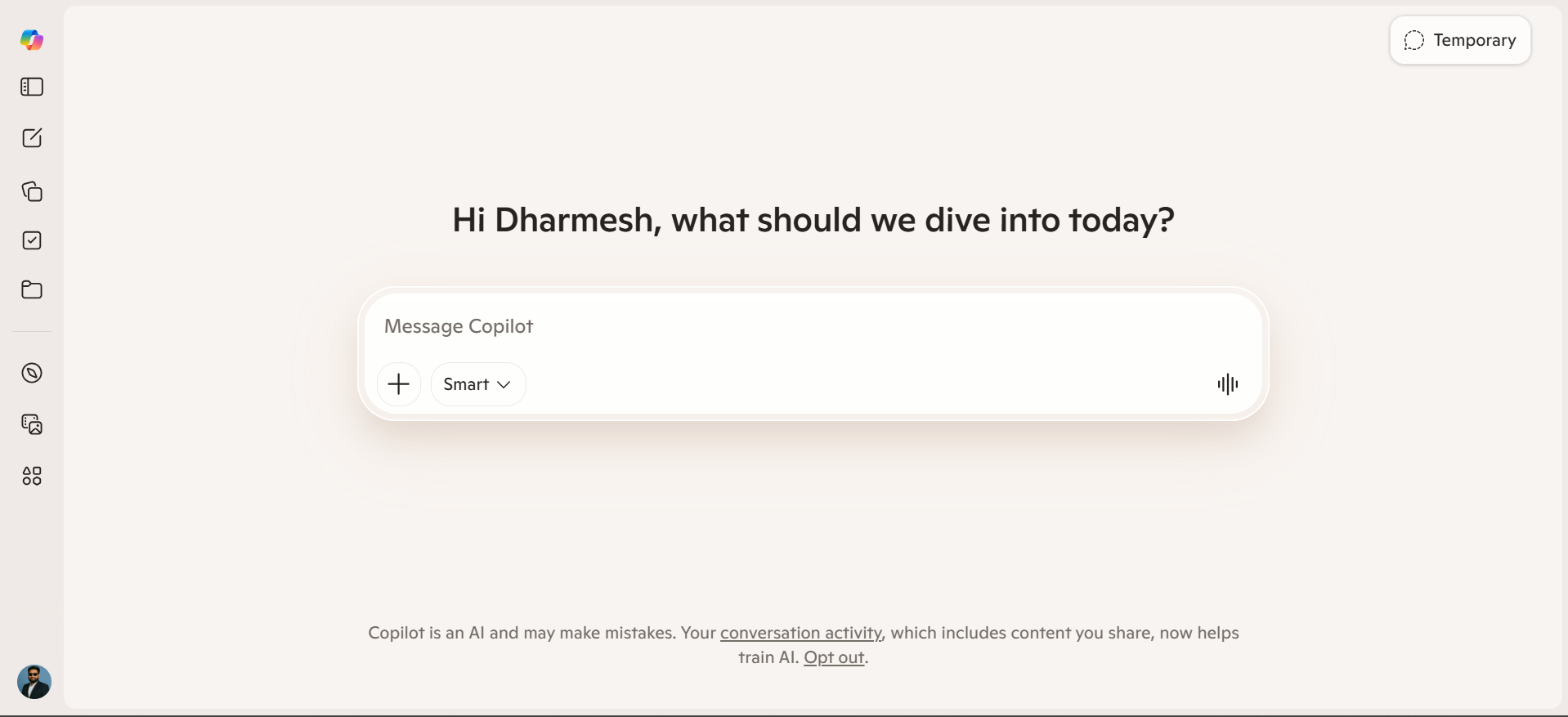
Microsoft Copilot is AI embedded into the Microsoft 365 ecosystem. If your company runs on Word, Excel, PowerPoint, Outlook, and Teams, Copilot is the most frictionless AI upgrade you can make. It connects to your files, emails, and calendar through Microsoft Graph, so it already knows the context of your work.
The standout feature is Copilot Vision, which can literally see your screen and help with whatever you are looking at. Reading a complex error message? Open Copilot. Working through a long email thread? Copilot can summarize it and draft a reply without you copying and pasting anything.
For larger companies, Copilot Studio lets IT teams build custom AI agents trained on internal company data with enterprise-grade security controls. This is Microsoft’s answer to custom GPTs, built for organizations that cannot share data with consumer AI tools.
Pros
- Deeply embedded in Microsoft 365 apps
- Copilot Vision reads your screen in real time
- Enterprise security and compliance built in
- Free basic version works on any browser
Cons
- Full features require a Microsoft 365 subscription
- Limited value if you don’t use Microsoft tools
- Copilot Studio needs IT team involvement
Our take: If your team is already paying for Microsoft 365, adding Copilot at $30/user/month is one of the most practical AI investments for enterprise teams.
Zendesk AI: Best for Customer Service Automation
Purpose-built AI agents that resolve customer issues end-to-end
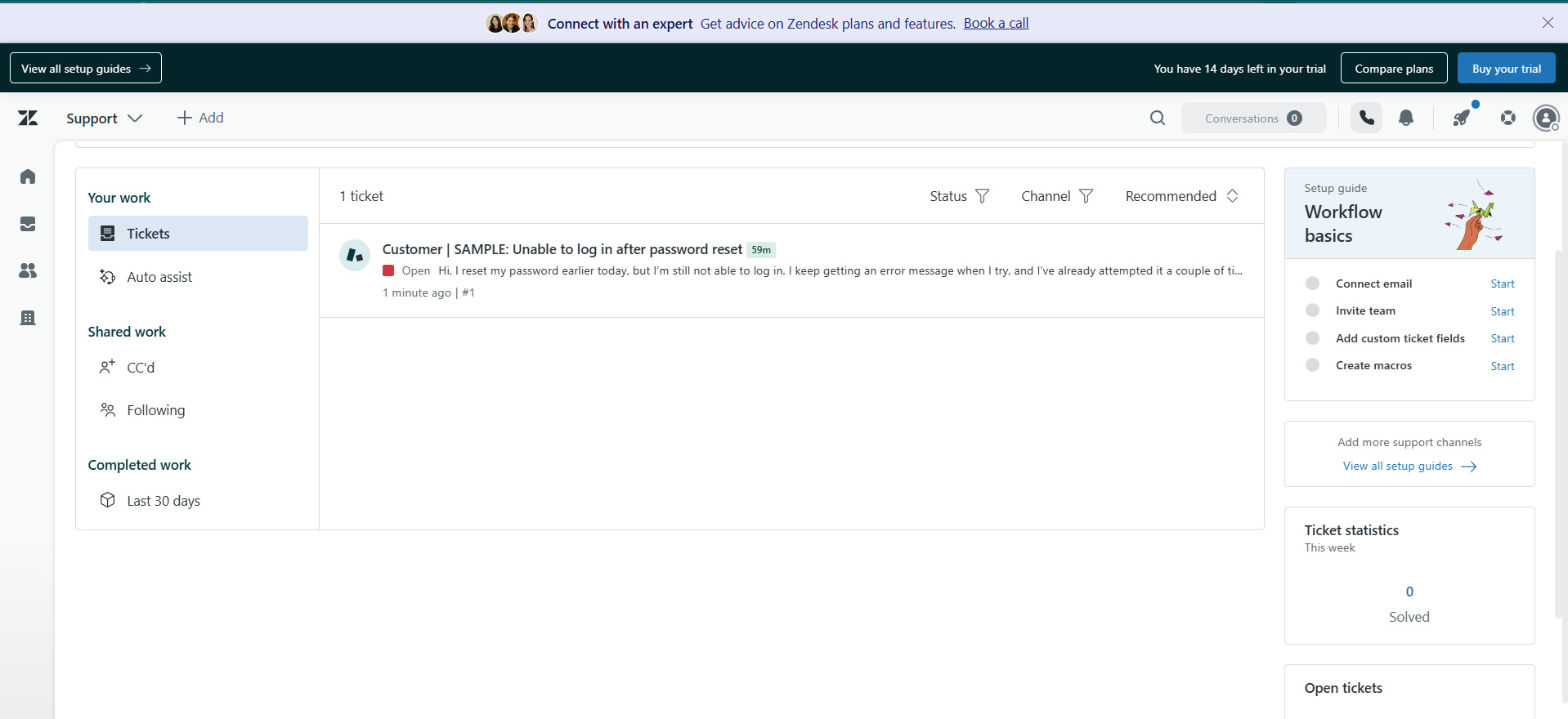
Zendesk is not a general-purpose chatbot. It is a full customer service platform with powerful AI agents built in, trained specifically on billions of real customer service conversations. This means they understand support language, urgency signals, and when to escalate to a human agent naturally.
Unlike a basic FAQ chatbot, Zendesk AI agents can take real actions: trigger a refund, update an order status, reset a password, or route a ticket to the right team, all without any human involvement. It supports 80+ languages and handles email, chat, voice, social media, and mobile in one unified system.
The Zendesk CX Trends Report 2026 found that 64% of consumers trust AI agents more when they display human-like traits such as friendliness and empathy. Zendesk’s AI persona builder lets you customize exactly how your AI agent speaks to match your brand voice.
Pros
- Resolves tickets autonomously, not just answers FAQs
- 80+ languages supported out of the box
- Full CX platform (ticketing, QA, analytics)
- Custom AI persona builder
- Enterprise-grade security and compliance
Cons
- Expensive for small businesses
- Free trial is only 14 days
- Overkill if you just want a basic FAQ bot
Our take: Zendesk AI is the right choice for businesses that handle hundreds of customer support tickets per week and want to automate resolutions without losing quality. Not for small businesses with light support volume.
Botpress: Best for Building Custom AI Chatbots
Build, train, and deploy your own AI chatbot. Zero coding needed.
Botpress is for people who want to build their own AI chatbot, not just build something from scratch yourself. You can create a fully custom chatbot trained on your own business content (website, FAQs, product docs) and deploy it on your website, WhatsApp, Telegram, Slack, or any other channel. No coding required.
The drag-and-drop Botpress Studio lets you design conversation flows visually. You upload your documents and the platform uses the latest LLM (currently GPT-4o and others) to power the responses. It also automatically translates your chatbot to 100+ languages, so your bot can help customers globally from day one.
One thing that makes Botpress genuinely different: it always stays updated with the newest AI models automatically. When a better model is released, your chatbot gets smarter without any extra work on your side. This means your chatbot built today will keep improving over the coming months and years.
Pros
- Free plan available for small projects
- Automatically stays on latest AI models
- 100+ language auto-translation
- Deploys to website, WhatsApp, Slack, Telegram
- Visual no-code conversation builder
Cons
- Steeper learning curve for complex flows
- Free plan has usage limits
Our take: If you need a chatbot on your website that is trained on your own business, Botpress is the best free starting point. The free tier is generous enough for small businesses to run a real chatbot.
Tidio: Best for Small Business Customer Chat
Combines live chat and AI in one affordable package for e-commerce
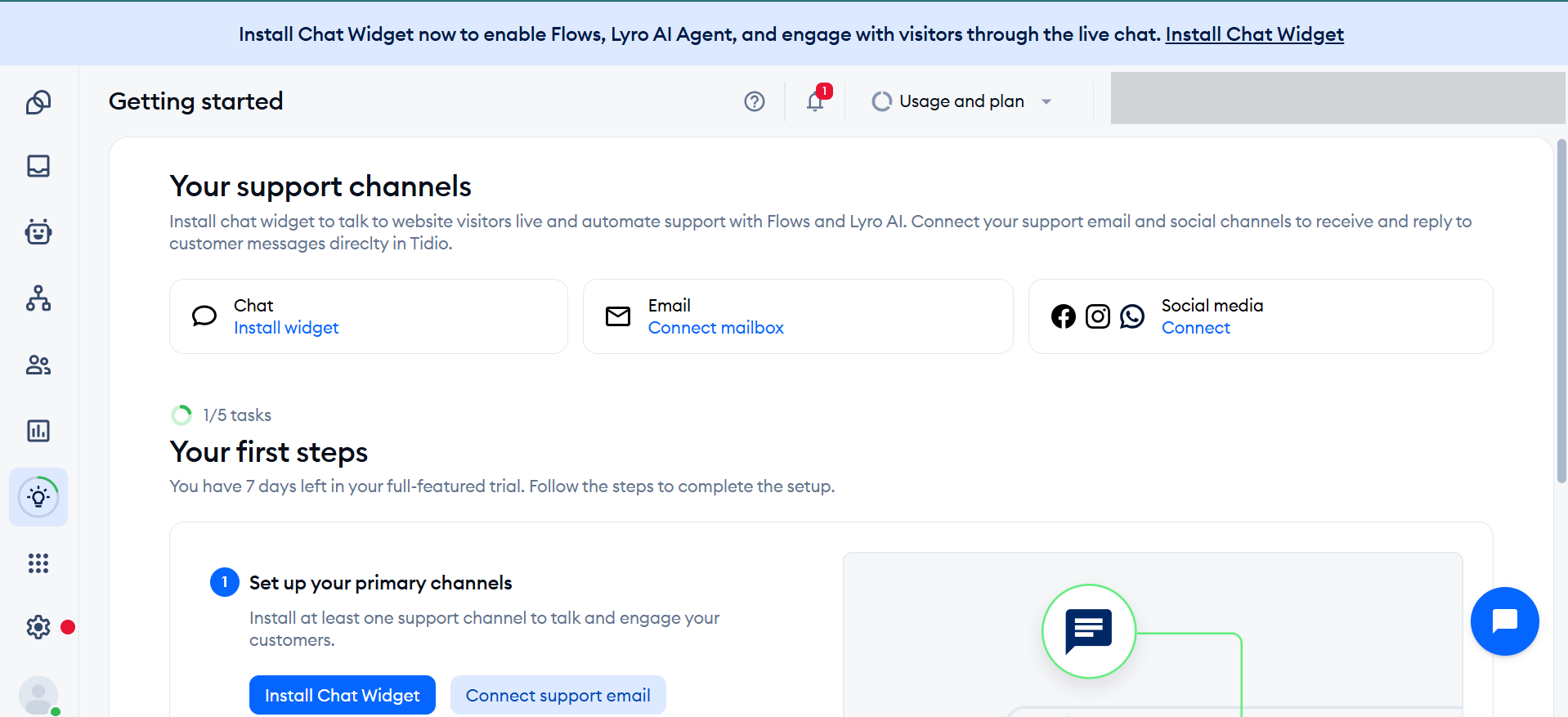
Tidio is built specifically for small and medium-sized businesses, especially e-commerce stores on Shopify, WooCommerce, and similar platforms. It combines live chat (real human agents) with Lyro AI (its AI chatbot) in one tool, so you can automate repetitive questions while keeping humans available for complex issues.
Lyro AI automatically handles the questions that come in over and over: shipping status, return policy, product availability, store hours. Tidio reports that businesses using Lyro AI see up to 70% of common questions resolved automatically without any human getting involved.
Setup is genuinely easy. Paste one code snippet on your website, connect it to your product catalog or help docs, and the AI is live within minutes. You can hand any conversation to a human agent with one click when a customer needs more help.
Pros
- Very affordable for small businesses
- Setup takes minutes, no technical skills needed
- Live chat + AI in one unified tool
- Native integration with Shopify and WooCommerce
Cons
- Lyro AI response limits on lower-tier plans
- Less powerful than enterprise platforms
Our take: Tidio is the best chatbot platform for small e-commerce stores. The free plan covers enough for a new store, and the $29/month plan is excellent value for growing businesses.
Intercom: Best for SaaS and Tech Companies
Fin AI resolves support tickets before a human ever needs to see them
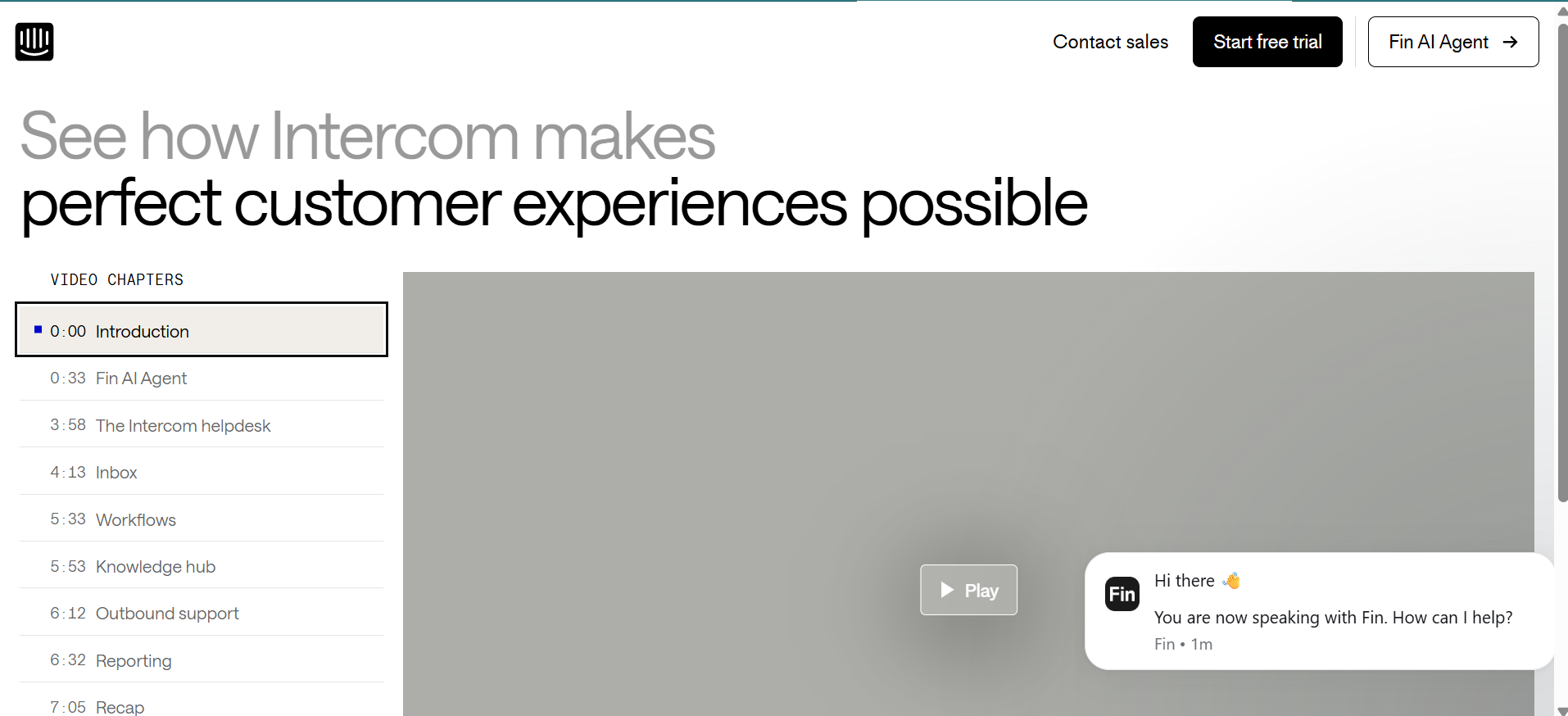
Intercom is the leading customer messaging platform for SaaS and tech companies. Its AI agent, Fin AI, is powered by GPT-4 and trained on your help center content. Intercom customers report that Fin AI resolves an average of 48% of inbound support conversations without any human involvement.
The pricing model for Fin AI is unique: you can pay per resolved conversation rather than a flat monthly seat fee. This means you only pay when Fin actually solves a problem, making it easy to calculate ROI. Combined with Intercom’s product tours, proactive messages, in-app banners, and CRM integration, it is the most complete customer communication system for fast-growing tech companies.
Pros
- Fin AI resolves ~48% of tickets automatically
- Pay-per-resolution option for AI conversations
- Complete platform: chat, email, product tours, CRM
- Strong analytics and conversation intelligence
Cons
- Gets expensive at scale for large teams
- Complex to configure advanced automation workflows
Our take: Intercom is the best choice for SaaS companies, tech startups, and product-led businesses with high volumes of inbound customer support. Not ideal for retail or simple FAQ use cases.
Perplexity: Best AI Chatbot for Research
Real-time web search with cited sources baked in by default
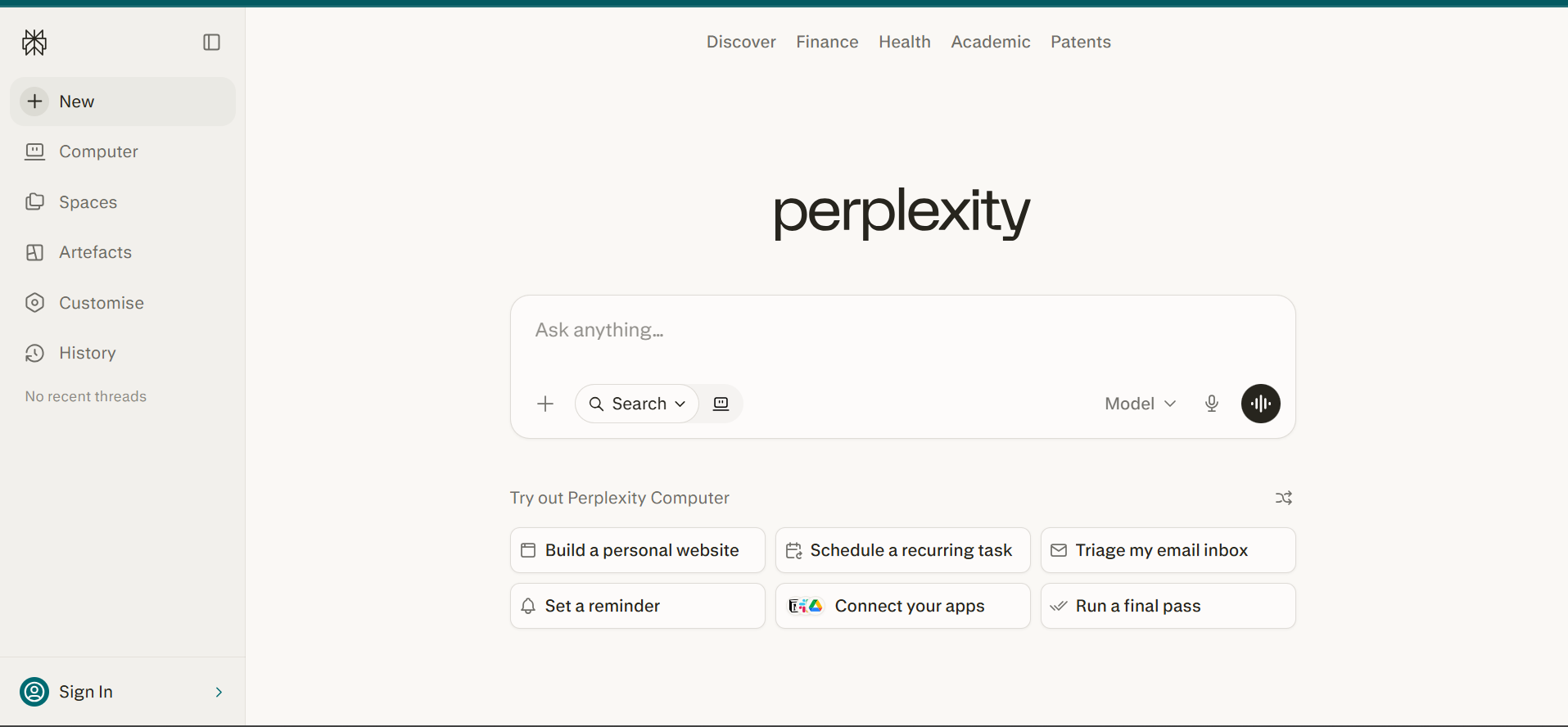
Perplexity is not trying to be ChatGPT. It is built for one specific thing: giving you the most accurate, well-sourced answer to any question by searching the real web in real time. Every single response comes with links to the original sources so you can verify what it says.
The Pro plan ($20/month) unlocks Deep Research mode, which can spend up to 20 minutes searching hundreds of web pages to build a fully sourced, structured report on any topic. There are also collaborative Spaces where you can add files, links, and custom instructions for ongoing research projects.
Perplexity uses multiple AI models including GPT-4o, Claude, Gemini, and its own Sonar model, and lets you switch between them. It is the go-to chatbot for journalists, students, marketers, and anyone who needs current, factual information with sources they can actually check.
Pros
- Real-time web search with citations on every answer
- Deep Research mode for thorough reports
- Access to multiple AI models in one place
- Generous free plan for daily use
Cons
- Not ideal for creative or open-ended tasks
- Academic tone may feel stiff for casual use
Our take: Perplexity’s free plan is one of the best deals in AI right now. If you do research, write content, or need to verify facts frequently, it should be in your toolkit alongside ChatGPT or Claude.
Meta AI: Best Free AI Chatbot Platform
100% free, works inside WhatsApp, Instagram, and Facebook right now
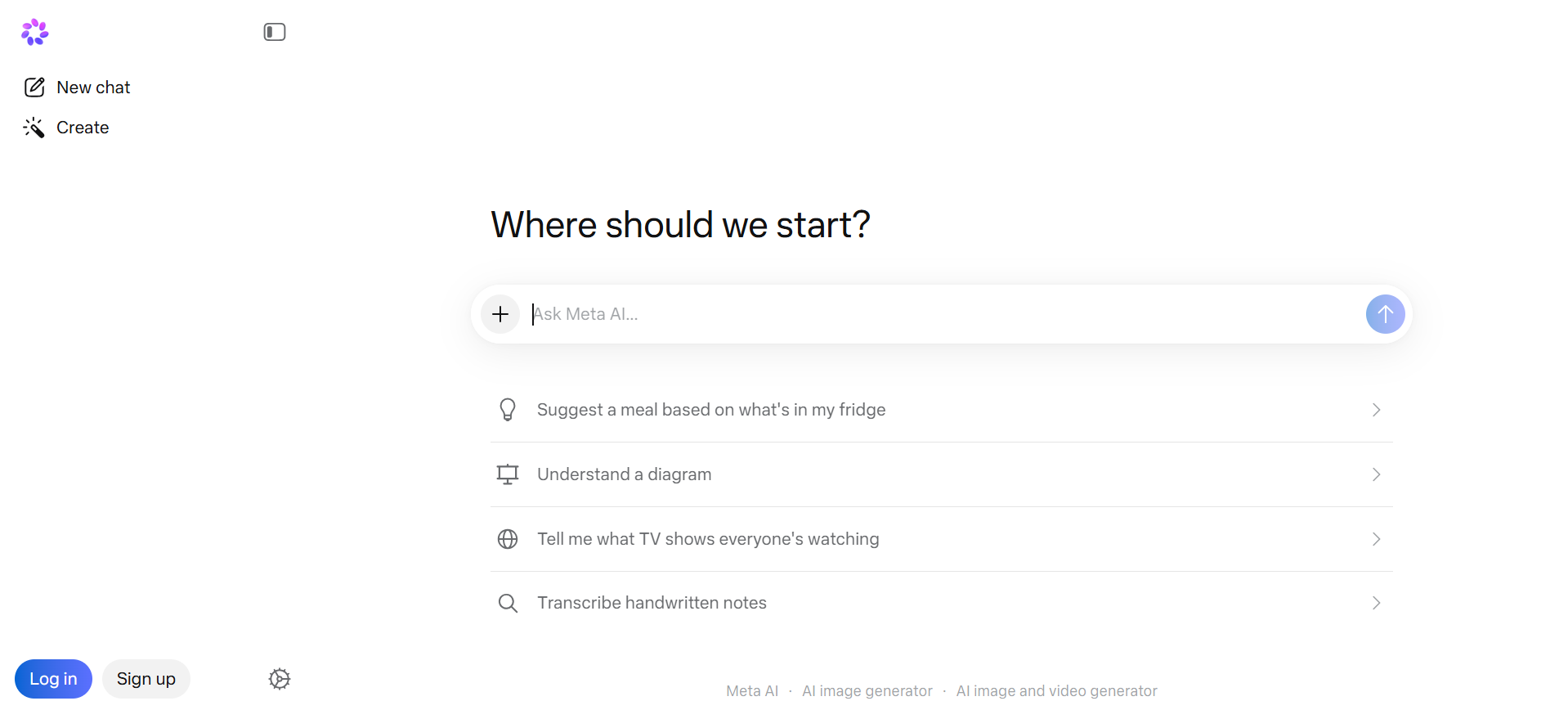
Meta AI is powered by Meta’s Llama 4 model (Scout for fast responses, Maverick for more complex tasks) and it is completely free. No subscription, no credit card, no limits. Just open WhatsApp, Instagram, Facebook, or the standalone meta.ai website and start chatting immediately.
For WhatsApp users especially, Meta AI is incredibly convenient. Type or voice-message your question directly in any WhatsApp chat and get an instant AI response. It can answer questions, help you write messages, generate images, and search the web for current information, all without switching apps.
The trade-off is privacy: Meta uses your conversations to train its AI models. For sensitive business topics, you should use a paid platform with clearer data policies. But for everyday personal use, Meta AI is genuinely impressive for a free tool.
Pros
- 100% free, no subscription ever
- Works inside WhatsApp, Instagram, Facebook
- Image and video generation included
- Real-time web search available
- Voice mode available in browser and app
Cons
- Data used to train Meta AI models (privacy concern)
- Less powerful than paid options for complex tasks
Our take: If you want a capable AI chatbot for free right now with zero setup, Meta AI is unbeatable. Use it for everyday tasks but keep sensitive conversations out of it.
How to Choose the Right AI Powered Chatbot Platform
The right AI chatbot depends entirely on what you are trying to do. Use these six questions to make the decision easier:
1. What do you need it to do?
General productivity use, website customer support, automated ticket resolution, or building a custom bot? Each use case has a different best option. Be specific before you start comparing.
2. What tools do you already use?
If you live in Google Workspace, pick Gemini. Microsoft 365? Pick Copilot. Shopify e-commerce? Pick Tidio. The best chatbot is often the one that fits into your existing workflow with the least friction.
3. What is your real budget?
Check what happens when your usage grows, not just the starting price. Some platforms charge per conversation or per seat, which adds up fast at scale. Calculate the cost at 10x your current usage.
4. How technical is your team?
If no one on your team knows how to set up webhooks or write API calls, stick with no-code platforms like Tidio, Botpress (visual builder), or the standard consumer chatbots. Enterprise platforms need IT involvement.
5. Who owns your data?
Read the privacy policy before connecting customer data to any chatbot platform. For business use, check if conversations are used to train AI models. Enterprise platforms like Zendesk and Intercom have clear data policies.
6. Test before you buy.
Almost every platform has a free plan or trial. Write down the 20 most common questions your users would ask, test each one, and only pay for the platform that actually handles them well.
💡 Want deeper dives on the AI writing tools mentioned above?
Frequently Asked Questions
These are the questions people ask most when researching AI powered chatbot platforms. Every answer here is based on what we found in real testing.
Our Final Verdict
There is no single "best" AI powered chatbot platform. It all depends on what you need it for. Here is our direct recommendation based on use case:
- For general personal and professional use: ChatGPT Plus ($20/month) for best value overall
- For the smartest writing and document analysis: Claude Pro ($20/month) for unmatched writing quality
- For Google Workspace teams: Google Gemini AI Pro ($19.99/month), deeply integrated with Google apps
- For Microsoft 365 enterprise teams: Microsoft Copilot ($30/user/month) for the best enterprise fit
- For building a custom chatbot on your website: Botpress (free to start) as the best no-code chatbot builder
- For small e-commerce stores: Tidio ($29/month) for live chat and AI in one affordable package
- For mid-to-large customer service teams: Zendesk AI for the most complete customer service automation
- For SaaS companies with high support volume: Intercom for the best automated ticket resolution rate
- For research and fact-checking: Perplexity (free plan is excellent) for the best sourced, cited answers
- For a completely free option: Meta AI, works right inside WhatsApp with no card required
Start with a free plan. Test it with real questions from your actual use case. Only pay when you have confirmed it delivers real value for your specific needs.